 OverTor
A booking app for your barbershop: no more phone calls mid-haircut
How a barbershop booking app lets you stop answering the phone mid-haircut: online booking 24/7, services and durations, automatic reminders and a QR code in the shop.
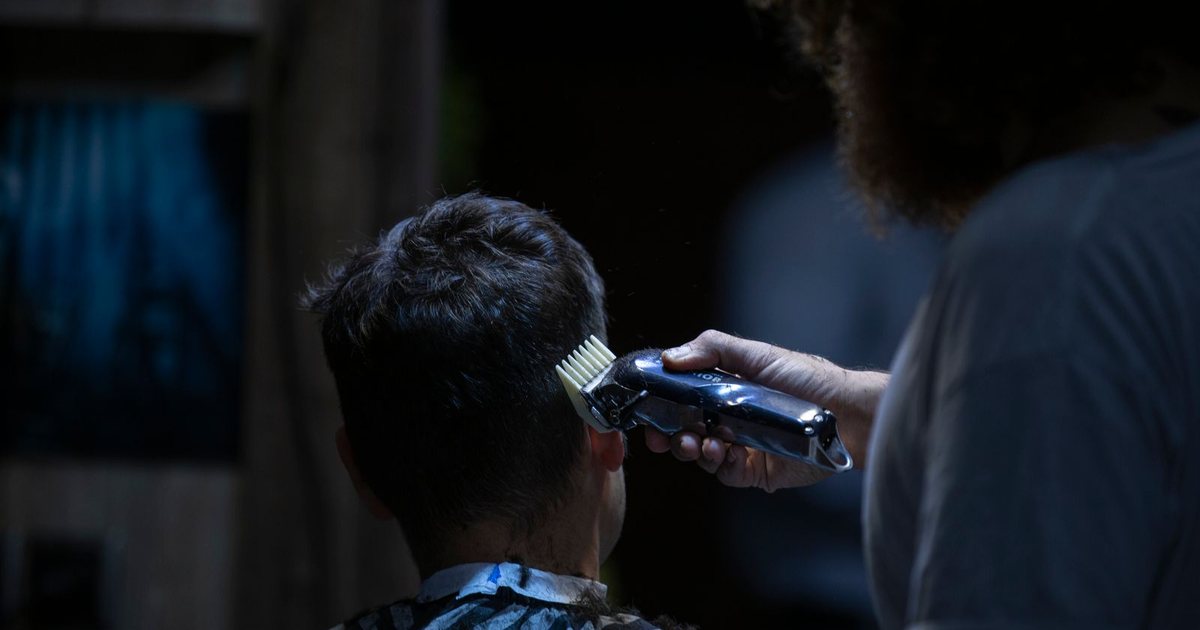
Every barber knows the moment: clippers in one hand, comb in the other, a customer in the chair, and the phone starts ringing. Pick up, and you stop in the middle of the cut. Let it ring, and you lose a customer who will call the shop down the street. A barbershop booking app solves exactly this dilemma: customers book on their own, at any hour, and the barber's hands stay on the haircut. This article walks through what you need to set up so that online booking really works in the day-to-day of a barbershop, and not just on paper.
Why the phone is the barbershop's quiet enemy
One phone call takes a minute or two. That sounds like nothing, but on a busy day of twenty-something customers, with calls like "Any openings tomorrow?", "Can I move to six?" and "How much for a beard trim?", it adds up to real working time. And it isn't only the time:
- Broken concentration: a clean taper or a precise fade doesn't forgive interruptions.
- A weaker customer experience: the person in the chair feels they are no longer the center of attention.
- Mistakes in the calendar: an appointment written on a scrap of paper, or kept in your head, tends to collide with another one.
- Missed calls: a customer who calls at ten at night gets no answer, and doesn't always call back.
The goal is not to give up the personal connection with your customers. It is to take the technical part off the phone: checking availability and reserving a time.
Barbershop booking 24/7: the customer chooses, the calendar updates
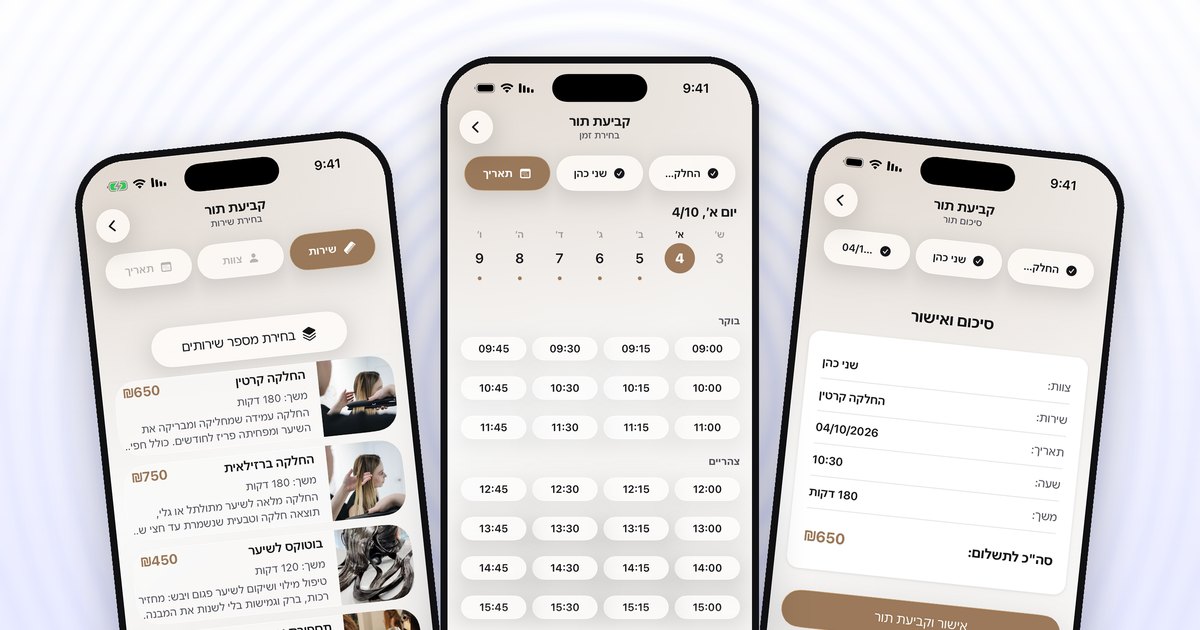
Once the shop moves to online booking, the process is short for the customer: open the barbershop's page, choose a service, choose a barber, pick an available day and time, and confirm. In OverTor, sign-in is one tap with Apple or Google, so there are no long forms. Customers can also choose several services in one booking, say a haircut and a beard trim, and the app calculates the total length of the appointment.
The important point: the calendar shows customers only the times that are truly available. No more "Hang on, let me check and get back to you." Someone who wants a Friday morning appointment sees right away whether there is one, and if not, picks another time or joins the waitlist.
Set up services and durations properly
The foundation of a good appointment calendar for a barbershop is an accurate list of services. It is worth half an hour of your time at the start:
- Break services down by real time: standard men's haircut, fade, kids' haircut, beard trim, straight-razor shave. Give each one a duration that reflects reality, not what would be nice to have happen.
- Add a price and a photo: a customer who sees a photo of a fade you did knows exactly what they are booking, and arrives with the right expectations.
- Don't overdo the number of services: six to ten clear services beat twenty-five confusing variations.
- Think about common combinations: if most customers get a haircut and a beard trim together, make sure the combination looks sensible in the calendar and the total duration fits.
A small tip: after a week or two of work, check whether appointments tend to run over. If a fade takes longer in practice than the duration you set, it is better to update the duration than to chase the schedule all day.
A shop with several barbers: a calendar for each one
In a shop with two barbers or more, the phone chaos doubles. In OverTor you can add as many staff members as you like, and each barber has their own calendar, their own services and their own regular shifts. Take a shop with two barbers:
- One barber works Sunday to Thursday (the Israeli work week), from noon into the evening, and specializes in fades.
- The other works mornings and Fridays too, and also does straight-razor shaves.
The customer picks the barber they are used to and sees only that barber's times. And when one of the barbers takes time off, you set a closure in their calendar, and customers simply can't book with them on those days. You can also sync the Israeli holidays to the calendar, holiday by holiday, so that no appointments get booked on a holiday eve when the shop closes early. If you want to go deeper, we have a separate guide on managing staff and shifts.
Automatic reminders: fewer customers who forget
An appointment booked two weeks ago is easy to forget. Instead of messaging every customer by hand, OverTor sends automatic reminders as push notifications before the appointment. That is why booking requires allowing notifications: it is how the reminder actually gets through.
Alongside reminders, it is worth setting a cancellation policy: how many hours before the appointment a customer can still cancel or reschedule on their own. A customer who knows rescheduling is easy lets you know ahead of time instead of simply not showing up, and the time that opened up can go automatically to a customer on the waitlist.
A QR code in the shop: turn every walk-in into a booking
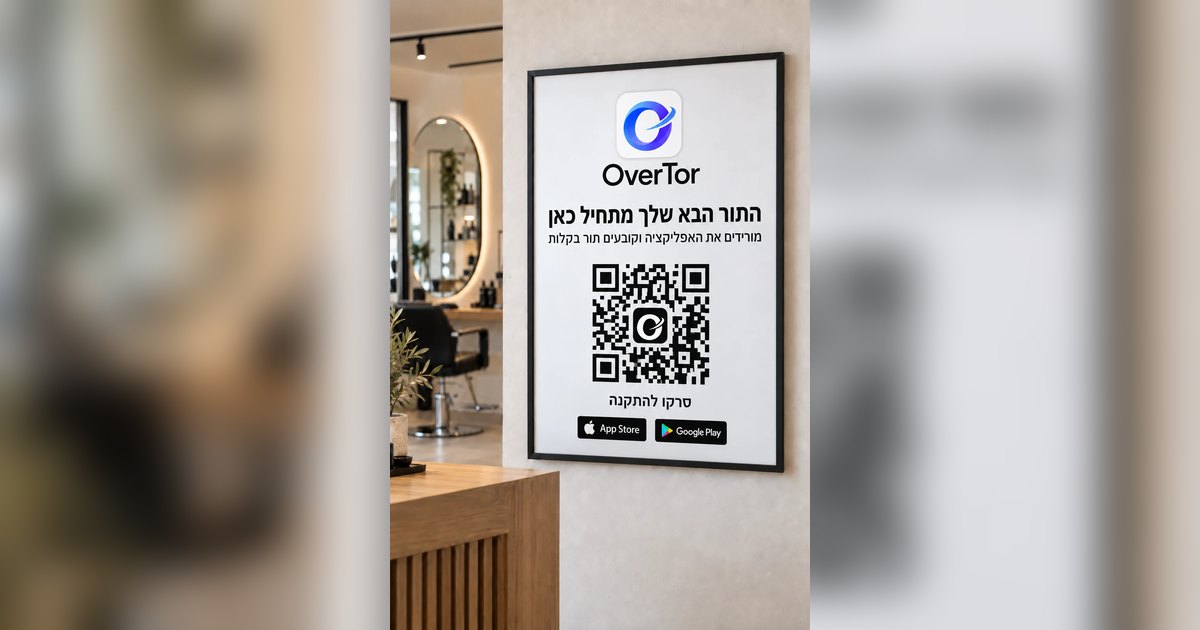
The most natural way to move customers to online booking is inside the shop itself. OverTor creates a printable poster (PDF) with your business's QR code. A few good places to hang it:
- Next to the register or the payment counter: the moment the customer is thinking "When am I coming back?"
- Facing the chair, beside the mirror: they have a few minutes to scan it while they wait for the blow-dry.
- On the door or in the shop window: for passersby who want to book when the shop is closed.
On top of that, every business has a web page on overtor.app and a link you can put in your Instagram bio, in a status update or on your business card. A simple line at the end of a haircut, "Next time you can book straight from the QR code," goes a long way. There are more ideas on this in the article on QR codes and posters in your business.
A barbershop page that sells for you
Your business page is not only a booking tool, it is also your shop window. Upload a logo, a cover photo and your brand color, add a work gallery with real haircuts, and if the shop sells products such as wax or beard oil, show those too. Customers can leave reviews, and the owner approves them before they appear. A new customer who comes on a recommendation and sees photos and reviews books with far more confidence.
The bottom line
A barbershop booking app doesn't replace the conversation with the customer in the chair. It replaces the phone that interrupts it. Set up accurate services and durations, a calendar and shifts for each barber, reminders and a cancellation policy, and hang a QR code where people will see it. After a few weeks, most appointments book themselves, even during the hours the shop is closed.
Want a barbershop where the phone stops ringing mid-haircut? Download OverTor from the App Store or Google Play, open your business with a free trial, and start taking online bookings this week.