 OverTor
How to choose an appointment booking app: 10 things to check
A guide to choosing an appointment booking app for a small business: 10 things to check before you decide, from the customer experience and reminders to staff, waitlist, holidays and a free trial.
Choosing an appointment booking app looks like a technical decision at first, but in practice it shapes every working day: how much time goes into scheduling, how many appointments get missed, and how customers feel when they book. An app that doesn't fit the business usually reveals itself only after a few weeks, when you have already moved your customers onto it. So it pays to check a few things up front. We have gathered ten points that every small business, from a barbershop with two barbers to a clinic with several practitioners, should check before choosing.
An appointment booking app starts with the customer
1. The customer experience: how easy it is to book
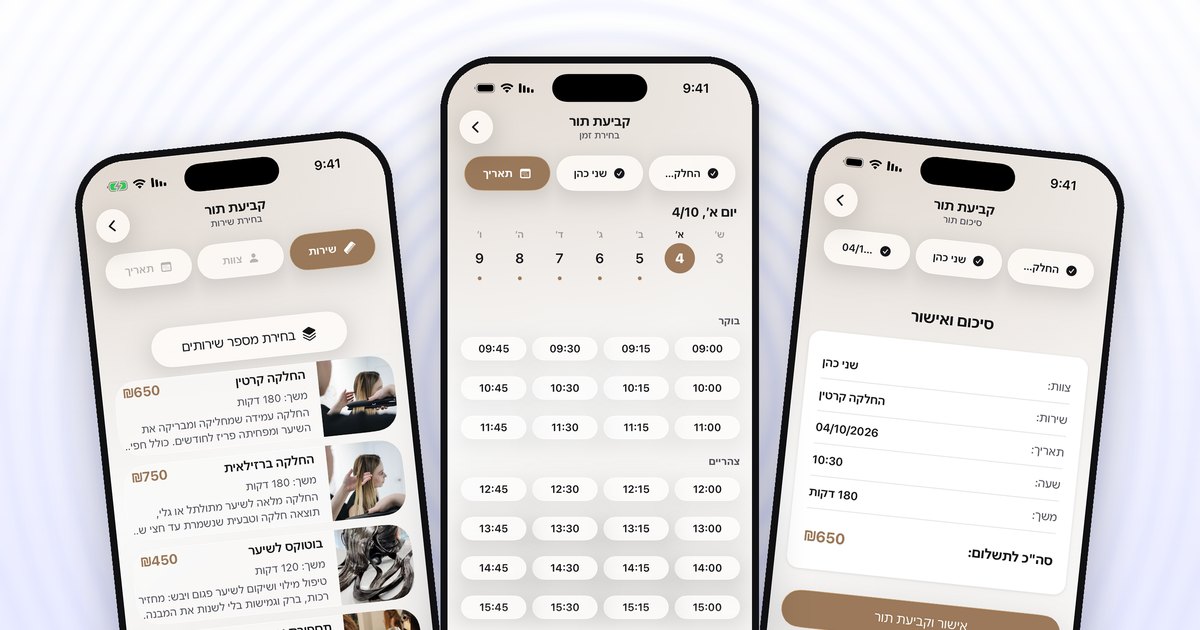
Your customers are the ones who will use the system most, so this is the first check. The simplest way to test it: book an appointment yourself, from your phone, as if you were a customer.
- How many steps are there until the appointment is booked?
- Do you have to fill out a long sign-up form, or can you sign in with one tap?
- Can you choose several services in one appointment, say a haircut and a beard trim?
- Can you book at any hour, even when the business is closed?
2. Reminders before the appointment
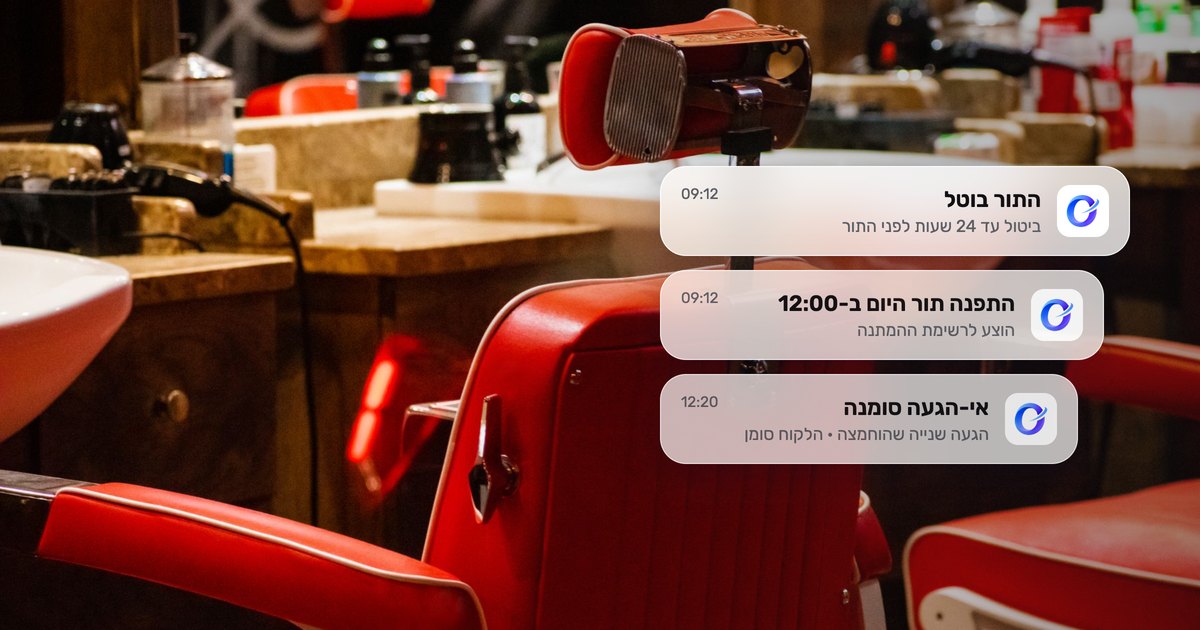
An automatic reminder is one of the simplest tools for cutting down on forgotten appointments. Check how reminders are sent, when, and whether anything has to be done by hand for them to arrive. A good system makes sure the reminder gets there without the owner having to remember to send it. There are more details on this in the article on appointment reminders at a dental clinic.
Staff, shifts and holidays
3. Staff management
Even if the business is one person today, think ahead. When employees join, you need:
- A separate calendar for each staff member.
- A way to set which services each one provides.
- Regular shifts for each one.
- A way for the customer to choose the staff member they prefer.
It is also worth checking whether there is a limit on the number of staff members, or an extra charge per employee.
4. Holidays, closures and the booking window
In Israel, the calendar changes several times a year because of the holidays. Check whether you can easily add closures for holidays and time off, and whether the Israeli holidays can be synced to the calendar. Also check whether you can set a booking window, meaning how far in advance customers can book, and whether you can open the calendar gradually based on how full it is.
Tools that keep the calendar full
5. Waitlist
Fully booked days are a good problem to have, but only if you know how to make use of cancellations. Check whether there is a waitlist, whether customers can join it on their own, and what happens when a slot opens up: is it offered automatically, and to whom. A system that lets you choose between priority to the first in line and a message to everyone at once gives you more flexibility.
6. Cancellation policy and attendance tracking
Every business needs clear rules for cancellations. Check whether you can set until when customers cancel or reschedule on their own, and whether the system tracks no-shows and late arrivals. Features worth looking for: flagging customers who repeatedly don't show up, an option to limit them, and a record that resets after visits with no problems. We wrote at length about building such a policy in the article on cancellation and no-show policies.
Branding and the way to your business page
7. Branding and the business page
The page the customer sees is, in practice, the shop window of your business. Check whether you can add a logo, a cover photo and your brand color, whether services are shown with photos, prices and durations, and whether there is room for a work gallery, products and reviews. A page that looks like your business builds trust, especially with new customers.
8. QR code, link and web page
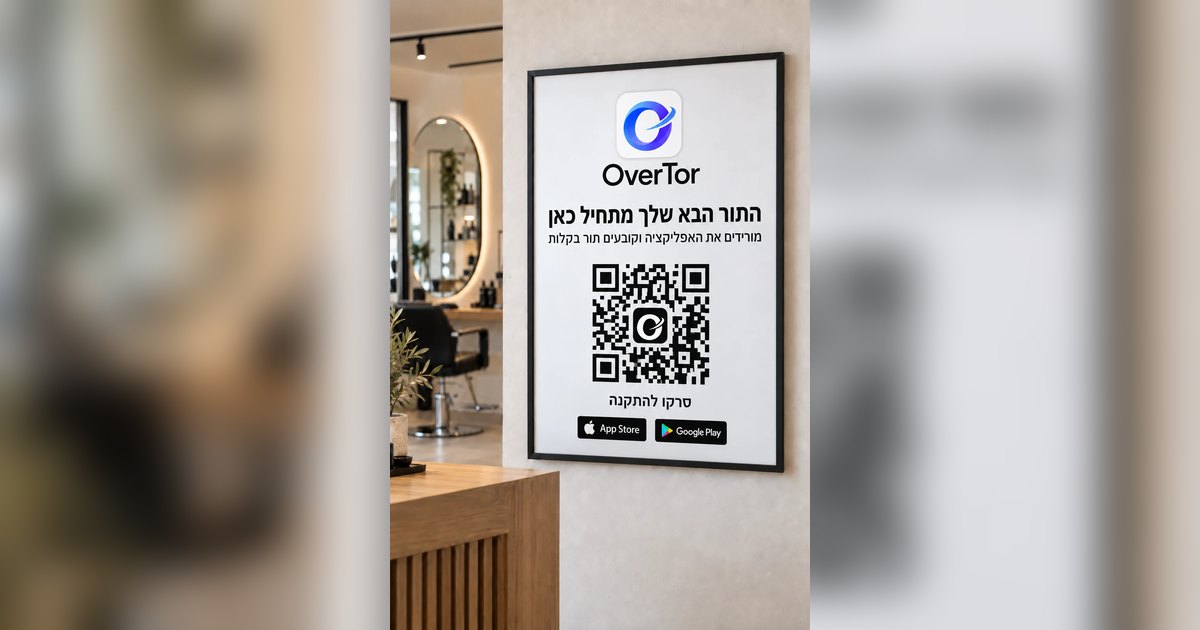
How customers reach the page matters no less than the page itself. Check whether there is a permanent link you can put in your Instagram bio and on WhatsApp, a QR code, and whether the system creates a print-ready poster to hang in the business. A web page for the business is another advantage, because not every new customer will download an app before seeing what it is about.
Free trial and subscription terms
9. A real trial period
You can't get to know a system from screenshots. A trial lets you set up the business, define services and staff, and have a few regular customers try booking an appointment. Use that time to check exactly the points on this list, in real work.
10. Cancel anytime
A long commitment is an unnecessary risk for a small business. Make sure the subscription is monthly or for three months, whichever you choose, and that you can cancel anytime without a complicated process. A subscription through the official stores, the App Store and Google Play, gives you transparency and control: you see the subscription in your phone's settings and cancel it from there.
How OverTor measures up against the list
OverTor was built precisely for businesses that work by appointment. In short, following the list:
- Customer experience: one-tap sign-in with Apple or Google, several services in one appointment, booking 24/7.
- Reminders: automatic push notifications before the appointment.
- Staff: unlimited staff members, each with their own calendar, services and regular shifts.
- Holidays: closures, holiday-by-holiday sync, a booking window and gradual opening.
- Waitlist: a slot that opens up is offered automatically, with a choice between priority to the first in line and a message to everyone.
- Cancellations and attendance: a self-cancellation deadline, tracking of no-shows and late arrivals, flagging, an optional limit and a reset.
- Branding: logo, cover photo, brand color, services with photos, gallery, products and reviews you approve.
- QR code and link: a link, a QR code, a printable poster and a business page on overtor.app.
- Trial: a free trial when you open a business.
- Flexibility: a monthly or 3-month subscription through the App Store or Google Play, with cancellation anytime.
The bottom line
A good appointment booking app is one that customers like using and that saves the owner time, not just a digital calendar. Before you choose, go through the ten points: customer experience, reminders, staff, holidays, waitlist, cancellation policy, branding, QR code, free trial and cancel anytime. Then test them in real work.
The best way to check is to try. You can download OverTor from the App Store or Google Play, open a business with a free trial and go through this list yourself.