 OverTor
Dental clinics: appointment reminders and fewer no-shows
How a dental clinic, or any other clinic, can reduce no-shows with automatic appointment reminders, attendance tracking, a clear cancellation policy and booking by treatment type.

In a dental clinic, as in any clinic, an empty chair is not only a financial loss. Behind every missed appointment there is an hour of a dentist's time, an hour of a dental assistant's time, a treatment room standing ready, and often another patient who has waited weeks for an available slot. The good news is that most no-shows don't come from unwillingness. They come from simple forgetting, or from how inconvenient it is to cancel. Automatic appointment reminders, together with a clear policy and a well-organized calendar, can change the picture noticeably. This article goes through the practical tools any clinic can put in place this week.
Why patients miss appointments
Before looking for a fix, it helps to understand the common reasons. In most cases it is one of these:
- Forgetting: the appointment was booked a month ago, and life happened in the meantime.
- Canceling is hard: to cancel you have to call during opening hours, wait on hold and explain. It is much easier simply not to come.
- Uncertainty about the treatment: a patient who isn't sure how long the treatment will take, or what it includes, tends to put it off.
- An appointment booked in passing: one made in a hurry at the end of the previous visit, without checking a personal calendar.
Each of these can be dealt with. Forgetting is solved by a reminder, the difficulty of canceling is solved by self-cancellation, and uncertainty is solved by presenting the treatment types clearly.
Appointment reminders: the foundation every clinic needs
A reminder that arrives at the right time is the simplest and most effective tool against no-shows. In OverTor, reminders are sent automatically as a push notification to the patient's phone before the appointment, without anyone on the staff having to remember to call. So that reminders get through, booking an appointment in the app requires allowing notifications, which means every patient who booked receives them.
A few points worth thinking about:
- The reminder replaces confirmation calls. Instead of the receptionist spending a whole morning on the phone, they are free to greet patients and handle real requests.
- Pair it with a way to cancel. A reminder that comes with the option to cancel or change the appointment on their own turns a silent "I won't make it" into a proper cancellation, and leaves time to fill the slot.
- Consistency. When every patient gets a reminder the same way, there are no "forgotten patients" because the front desk was busy.
Cancellation policy: set clear rules in advance
A good cancellation policy balances the flexibility patients need with the clinic's need to plan the day. In OverTor the clinic sets until when patients can cancel or change an appointment on their own, for example up to a certain number of hours before it. After that deadline, a change means contacting the clinic.
How to choose the right cancellation window:
- By treatment length. A long treatment, such as a root canal or an implant, leaves a big gap in the calendar. It makes sense to require earlier cancellation.
- By how easily you can fill the slot. If demand is high and there is a list of patients waiting, a shorter window can be enough.
- By the kind of patients you see. A clinic that works a lot with families and children will benefit from some flexibility.
Just as important: publish the policy. State it on your business page and mention it when an appointment is booked by phone. A patient who knows the rules in advance respects them more. For more on building such a policy, read our guide to cancellation and no-show policies.
Attendance tracking: spot patterns without fighting with patients
Even with reminders, there will always be patients who don't show up. The question is how to handle it without damaging the relationship. The attendance policy in OverTor tracks each patient's no-shows and late arrivals. When a patient crosses a threshold the clinic has set, they are flagged, so the staff sees it right away.
What you can do with this information:
- Send a polite follow-up message. The app lets you send a message that the clinic approves before it goes out. Something simple is enough, such as "We noticed you missed your last appointment. We'd be glad to find you a new time."
- Limit booking for repeat cases. For someone who misses appointments again and again, you can limit self-booking so that their appointments go through the staff.
- Give a second chance. The record resets after a certain period or after a number of visits with no problems, so a patient who has improved doesn't stay flagged forever.
This approach lets you handle the problem fairly and transparently, instead of through spur-of-the-moment decisions at the front desk.
Booking by treatment type
One source of confusion, and of no-shows, is an appointment that doesn't match the treatment. A routine checkup and a cleaning don't take the same time as a filling or a complex procedure. When patients choose the treatment type themselves, the calendar reflects reality.
Here is how it works in practice:
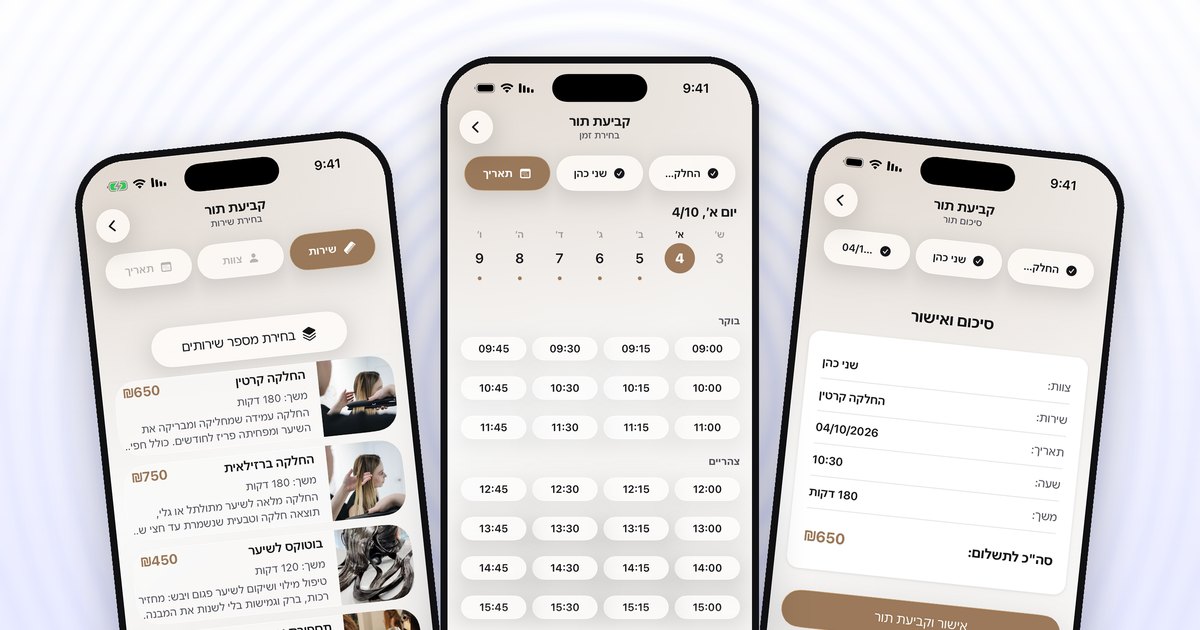
- Every treatment is set up as a service with a duration, a price and a photo if you like. The patient sees in advance what they are booking.
- Several services can go into one appointment, for example a checkup and an X-ray, and the app calculates the total duration.
- Every staff member has their own calendar. A dentist, a hygienist and a specialist can each have their own calendar, services and regular shifts. A clinic with two dentists and a hygienist, for instance, can let the patient choose who to book with and see only that staff member's available times.
Name the treatments in plain language patients understand, and leave treatments that need a prior consultation to be booked through the clinic.
A checklist for getting started at the clinic
- Set up all the treatment types with accurate durations.
- Add the staff members, each with their own services and shifts.
- Set a self-cancellation window and publish it.
- Set a threshold for the attendance policy and decide whether to limit booking for those with repeated no-shows.
- Set closures for time off and holidays in advance.
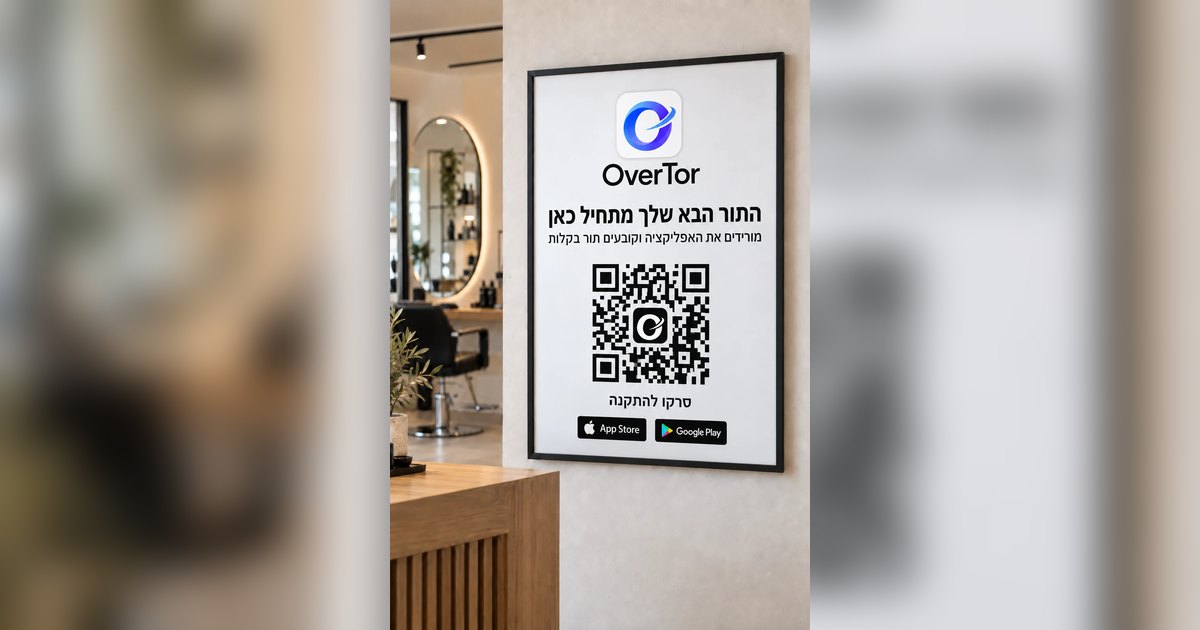
- Hang a poster with the clinic's QR code at the front desk, so patients book their next appointment themselves.
The bottom line
No-shows are not a fact of life you have to accept. Automatic appointment reminders deal with forgetting, self-cancellation deals with the difficulty of canceling, attendance tracking deals with the repeat cases, and booking by treatment type keeps the calendar accurate. Together they create a clinic where the staff is busy with patients, not with the phone.
Want a well-organized clinic calendar, with automatic reminders and a built-in attendance policy? Download OverTor from the App Store or Google Play, open your business and try it during the free trial.