 OverTor
Online session booking for personal trainers, without the texting
Online session booking for personal trainers and studios: regular working hours, a booking window, automatic reminders and several trainers in one calendar, with no back-and-forth on WhatsApp.

"Any openings this week?" "Wednesday at seven?" "Seven doesn't work, maybe eight?" "Eight is taken, how about Thursday?" Every personal trainer knows this thread, multiplied by the number of clients. By the end of the week it turns out a good share of the time went into scheduling rather than training. Online session booking replaces that back-and-forth with something simple: clients see the available times and choose for themselves. This article covers how to build a training calendar that works, from setting your working hours to running a studio with several trainers.
The problem with scheduling sessions on WhatsApp
WhatsApp is great for conversation, but terrible as a calendar. A few things that happen when all the scheduling runs through it:
- Messages at unreasonable hours: requests for changes arrive at eleven at night and sit waiting for an answer.
- No single view of the week: sessions are scattered across dozens of chats.
- Mistakes: two clients confirmed for the same time, or a session no one wrote down.
- A sense of being always available: the trainer becomes their own front desk, seven days a week.
The goal is not to stop talking with your clients. On the contrary, once the technical scheduling leaves the chat, there is room for conversations about nutrition, progress and motivation.
Online session booking: how it works in practice
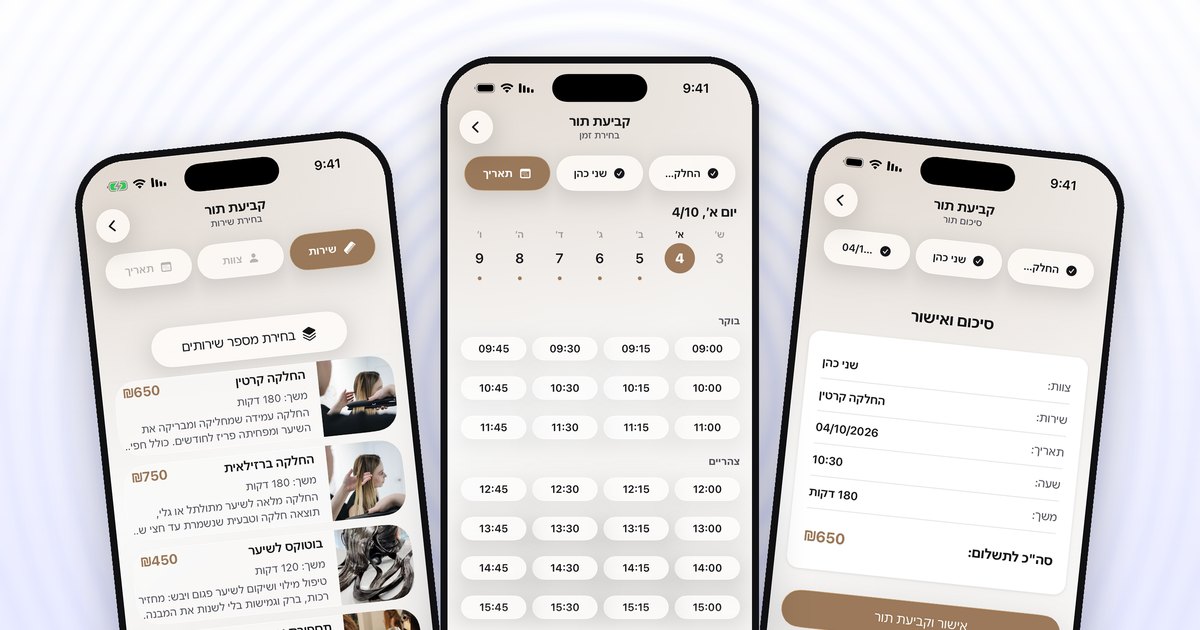
In OverTor every trainer or studio has a business page. The client arrives through a link or a QR code, signs in with one tap using Apple or Google, chooses a session type, a trainer, a day and a time, and confirms. The session goes straight into the calendar, without a single message. Booking is possible at any hour, even when the trainer is in the middle of another session or asleep.
Set up your session types as separate services, each with a duration and a price:
- Personal session: the basic one, at the length that suits how you work.
- Partner session: for two clients together.
- Intro meeting or assessment: before a program starts, perhaps longer.
- Short session: focused work or stretching, for example, for those short on time.
A photo for each service and a short description help a new client understand what they are booking.
Regular working hours: put boundaries on the calendar
One of the biggest advantages of an organized calendar is the boundaries it creates. Instead of "I'm always available," you set regular shifts: for example Sunday to Thursday (the Israeli work week) from six to ten in the morning and from five to nine in the evening, and Friday mornings only. Clients see only those hours, and don't ask for a session at two in the afternoon when the trainer is eating or driving between clients.
Time off and unusual days are handled in advance too: you set a closure for specific dates, a training course or a vacation for instance, and the calendar is blocked. You can also sync the Israeli holidays to the calendar, holiday by holiday, and decide for each one whether you work on it.
The booking window: how far ahead clients can book
The booking window determines how far ahead clients can reserve a session. The decision depends on how you work:
- A short window, one to two weeks: suits trainers whose schedule changes, and prevents "just in case" reservations.
- A long window, a month or more: suits regular clients who want to book the whole month's sessions in advance.
In OverTor you can also open the calendar gradually based on how full it is. When the coming week's hours fill up, more days open. And a client who didn't find a time can join the waitlist, and when an hour opens up it is offered to them automatically.
Reminders and a cancellation policy for sessions
A session canceled an hour before is a working hour gone. Two tools help here:
- Automatic reminders: OverTor sends a reminder as a push notification before the session, which is why booking a session requires allowing notifications. There is no need to send "Reminder: tomorrow at seven" to every client.
- Cancellation policy: you set how many hours before the session a client can still cancel or reschedule on their own. A client who knows they can easily move a session until the evening before does that instead of simply not showing up.
The app also tracks no-shows and late arrivals for each client, and lets you flag or limit anyone who does it repeatedly. There are more ideas in the article on last-minute cancellations, most of which apply to training sessions as well.
A studio with several trainers: one calendar, separate schedules
In a studio with three or four trainers, scheduling gets truly complicated: who works when, who specializes in what, and how a client knows which trainer has an opening. In OverTor you can add as many staff members as you like, and each trainer has their own calendar, their own services and their own shifts. For example:
- One trainer works mornings and specializes in strength training.
- A second trainer works evenings and teaches private Pilates sessions.
- A third trainer works only on certain days and offers assessment meetings.
The client picks their trainer and sees only the relevant times. The studio owner sees the full picture. There is more detail in the guide to managing staff and shifts.
Your business page as a shop window
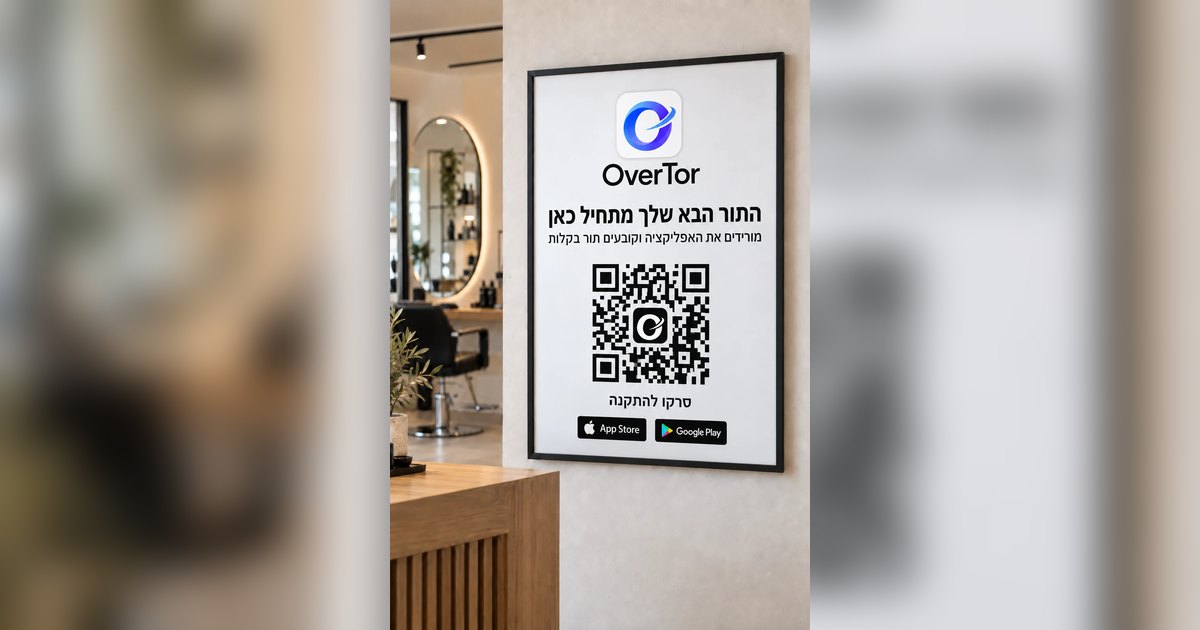
The business page is a marketing tool too: a logo, a cover photo and your brand color, a gallery of the studio or of sessions, and products if you have them, such as protein powders or equipment. Reviews from clients, which the owner approves before they are published, help new clients decide. The link to the page belongs in your Instagram bio, and a printable QR poster belongs on the studio wall.
The bottom line
Online session booking saves the endless back-and-forth and gives the trainer control of their time again. Set up session types, regular shifts and a booking window, turn on reminders and a cancellation policy, and in a studio give each trainer their own calendar. The result: fewer messages, more training.
Want to stop scheduling sessions in the chat? Download OverTor, open your business with a free trial, and send your clients the link this week.